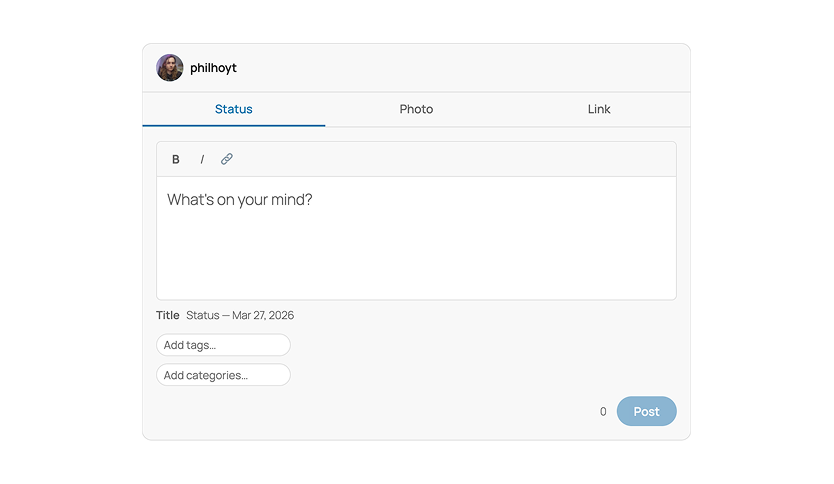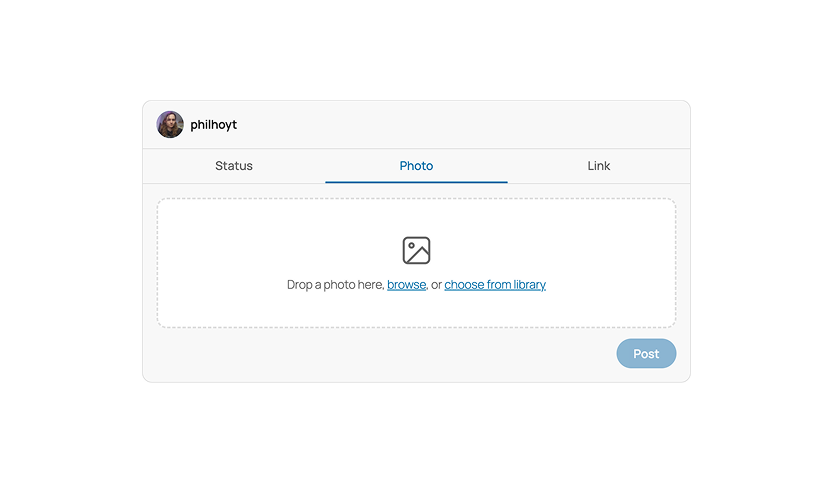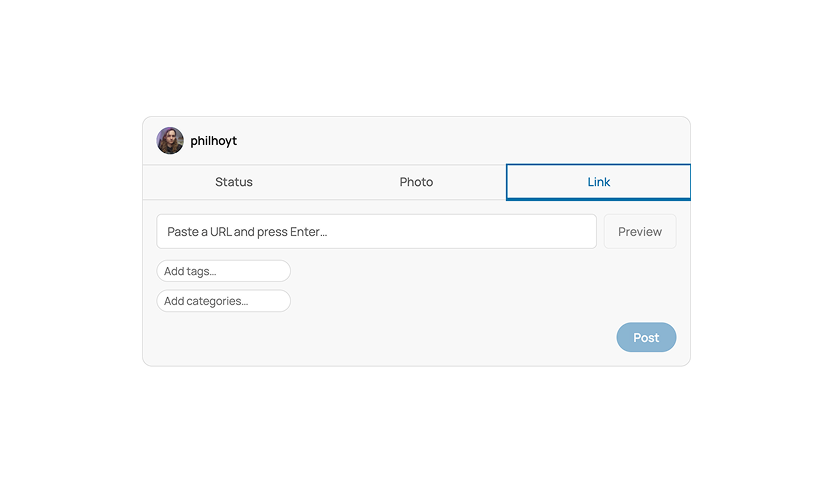


QuickPostr adds a social-style post composer to the front end of your WordPress site. Put the Composer block on a page or template, and logged-in users can post status updates, photos, videos, and links without opening the admin.
Features
- Four composer modes. Status posts take bold, italic, and inline links, and the composer saves a draft as you type. Photo posts take drag-and-drop uploads or picks from the media library, and several images post as a gallery. Video posts embed the upload as a Video block. Link posts pull Open Graph metadata and show a preview card if you have Better Bookmarks installed.
- Categories, tags, and scheduling. Each mode lets you pick categories and tags, write your own title, and backdate or schedule the post.
- Front-end post management. Add a Post Actions block to a Query Loop and users get an Edit and Delete menu on their own posts.
- Likes and sharing. Like Post adds a heart button with a count that logged-in and logged-out visitors can tap. Share Post opens the browser’s share sheet, or falls back to X, Facebook, and Copy link.
- Feed pattern and slider style. The “Composer with post feed” pattern puts the composer above a feed of posts. The QuickPostr Slider style turns a Gallery block into a swipeable slider.
- Android share target. Install QuickPostr as a web app on Android and it shows up in the share sheet. Share a photo to it and the composer opens with that photo loaded.
- Companion plugins. GeoTagr adds a Location button to the composer. VideoMuxr sends video uploads to Mux for transcoding and hosted playback.
Your theme needs post-formats support. QuickPostr saves posts with the status, image, video, gallery, and link formats.
Screenshots