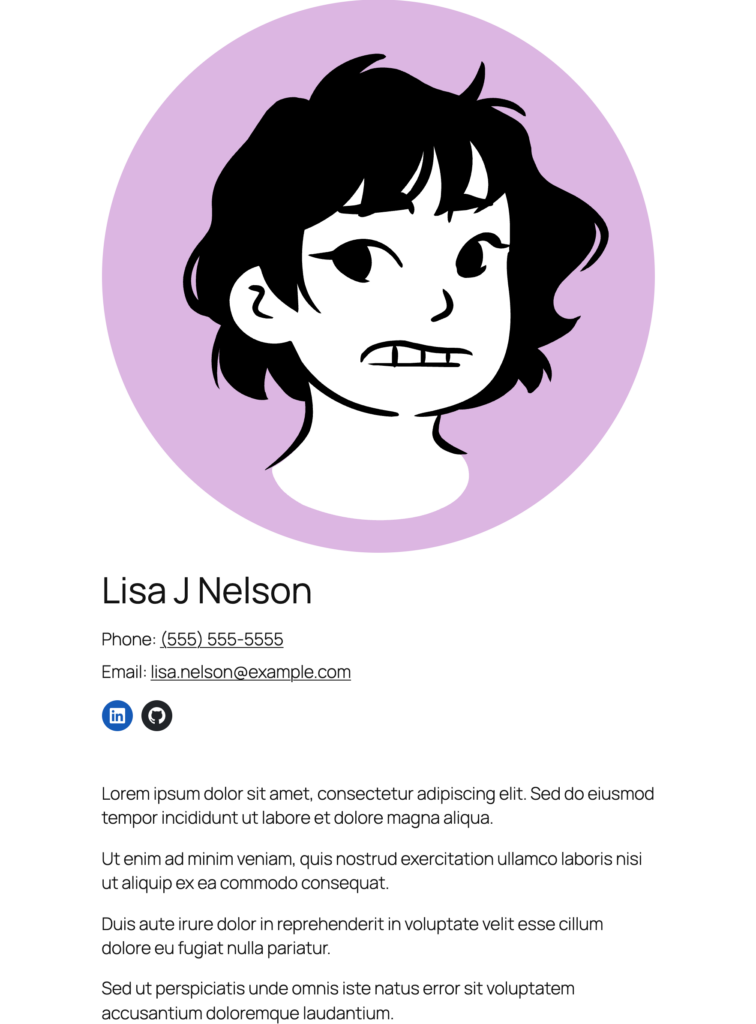


Peeps is a WordPress plugin for building a people directory. It adds a People post type for staff pages and team rosters, with name, phone, email, and social link fields on each person.
Features
- Block templates. Single profile and archive templates that you edit in the Site Editor.
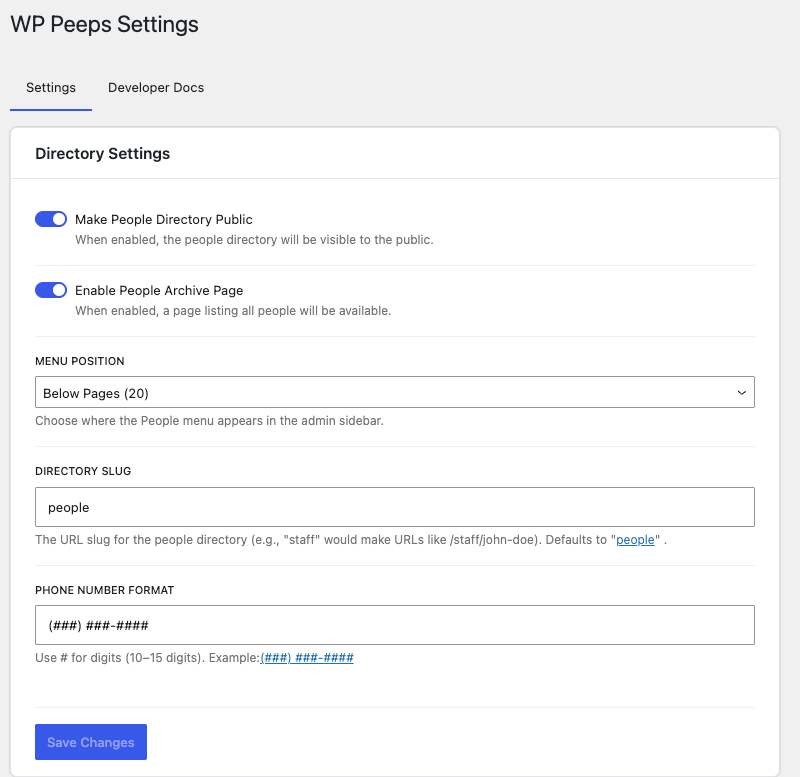
- Configurable phone formatting. Write the format with a # for each digit, like the default (###) ###-####.
- Custom URL structure. Set the directory slug for person URLs. The default is people.
- Public or private directory. Turn the people archive on or off, and decide whether each person gets a profile page.
- Admin menu position. Choose where People sits in the admin sidebar.
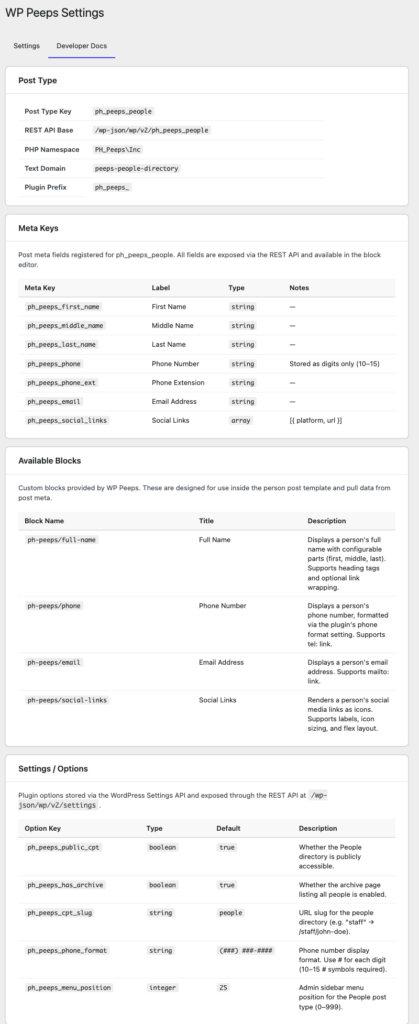
- Developer docs. A Developer Docs tab on the settings page lists the post type key, meta keys, block names, and option keys.
Blocks
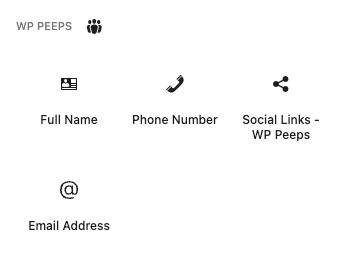
Four blocks read the person fields. Use them in the single person template, the people archive template, or a Query Loop.
- Full Name. Shows a person’s first, middle, and last name. Peeps also builds the post title from the same fields.
- Phone Number. Shows the phone number in your configured format, with extension support.
- Email Address. Outputs a clickable email link.
- Social Links. Add, reorder, and remove social profiles on more than 25 platforms, including LinkedIn, GitHub, X, Instagram, Mastodon, Bluesky, and Gravatar.
Screenshots