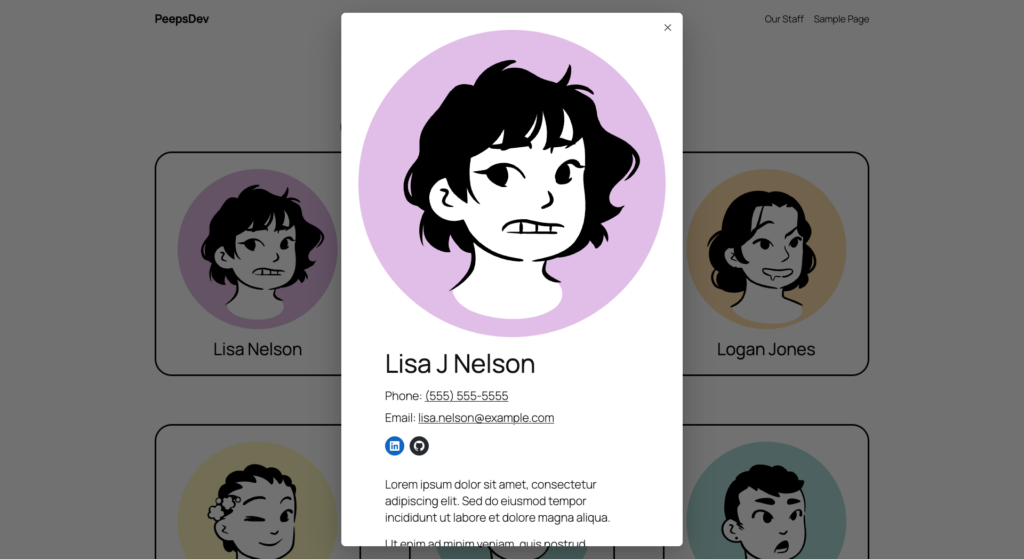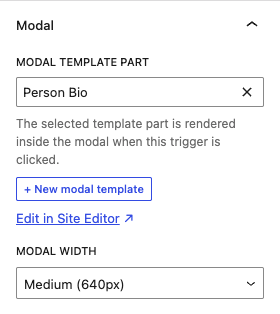

Modal Templates lets you build modals in the block editor. You design the modal content as a template part in the Site Editor, then attach it to a core Button or Group block from the Modal panel in the block sidebar. It needs a block theme.
Features
- Template part modals. The plugin adds a Modal template part area to the Site Editor. You can create a new modal from the block sidebar and open it in the Site Editor to design it.
- Button and Group triggers. Attach a modal to a Button or Group block. A Button with a link URL opens the modal instead of following the link.
- Works inside Query Loops. The plugin renders the modal on the server in the current post context, so each post in a loop gets its own modal with that post’s data. Opening a modal makes no AJAX request.
- Keyboard and screen reader support. The dialog carries the right ARIA roles, traps focus, makes the rest of the page inert, and hands focus back to the trigger on close. Visitors can close it with Escape, a backdrop click, or the close button, and visitors with reduced motion turned on see no animation.
- Five widths. Small, Medium, Large, Full, or Custom.
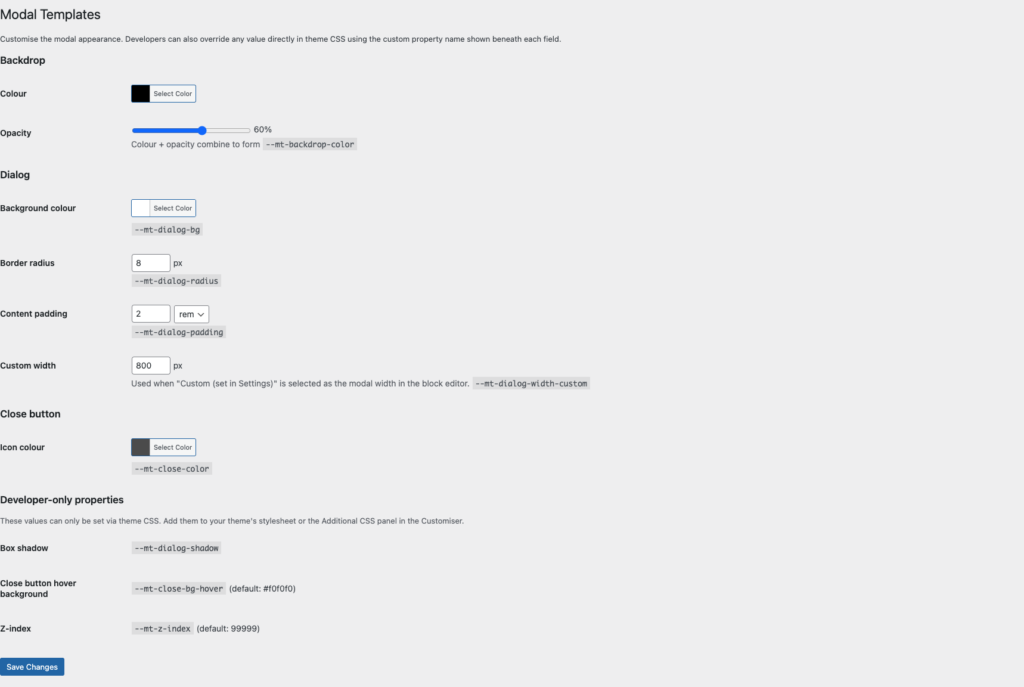
- Styling settings. Settings > Modal Templates sets the backdrop, dialog background, radius, padding, and close button colors. The plugin writes them as CSS custom properties, so a rule in your theme can override them.
- JavaScript API. Open, close, and bind methods on
window.ModalTemplatesfor triggers you print yourself. - Light footprint. The plugin loads its script and stylesheet on pages with a trigger block and skips the rest.
Screenshots